VoluSys Download
Gallery

VoluSys, up close.

Every image is a real screenshot of VoluSys running in QEMU, captured with the project’s own automation tools.
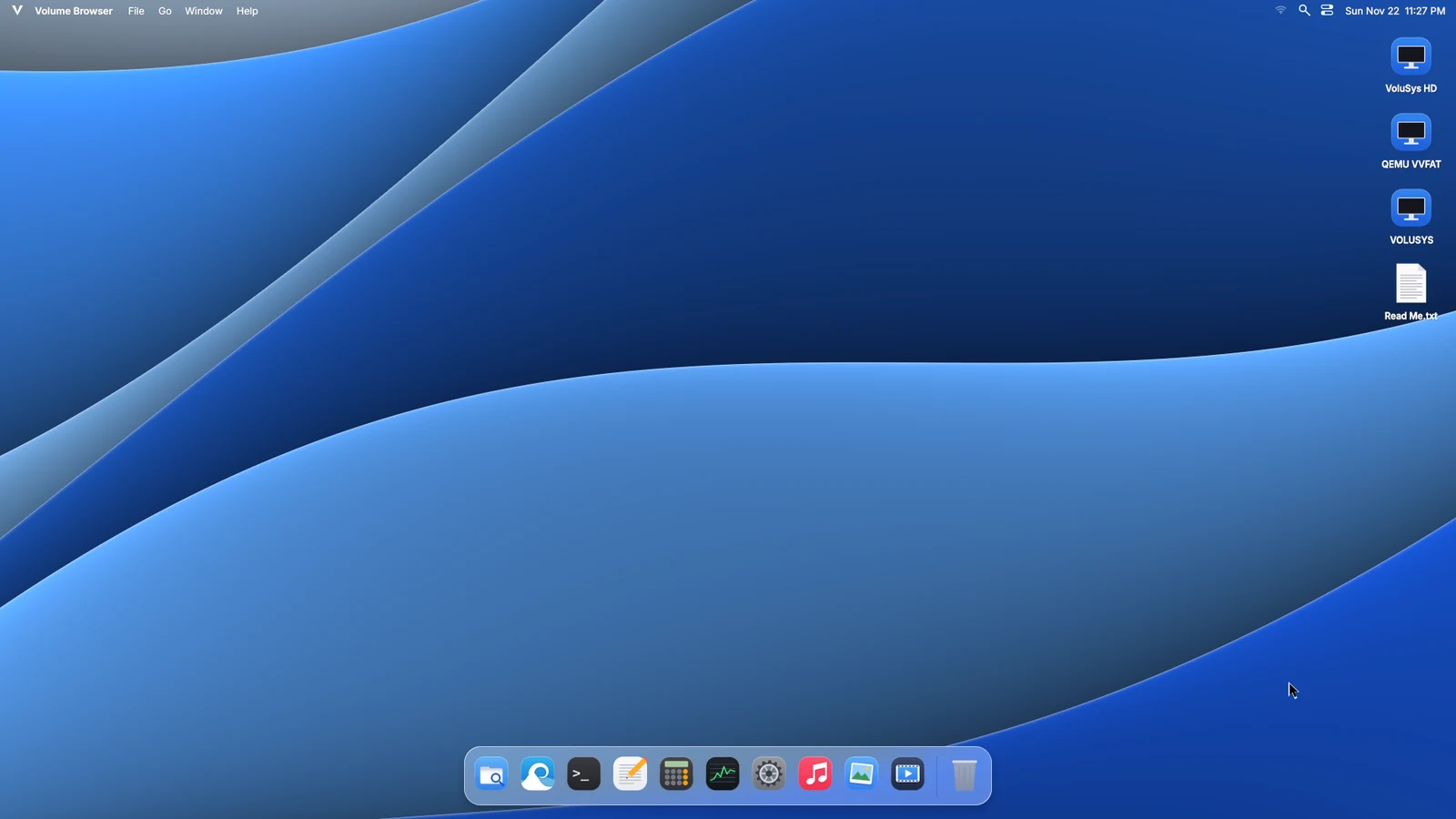
The empty desktop with the Blue fold wallpaper.
The desktop and Tray
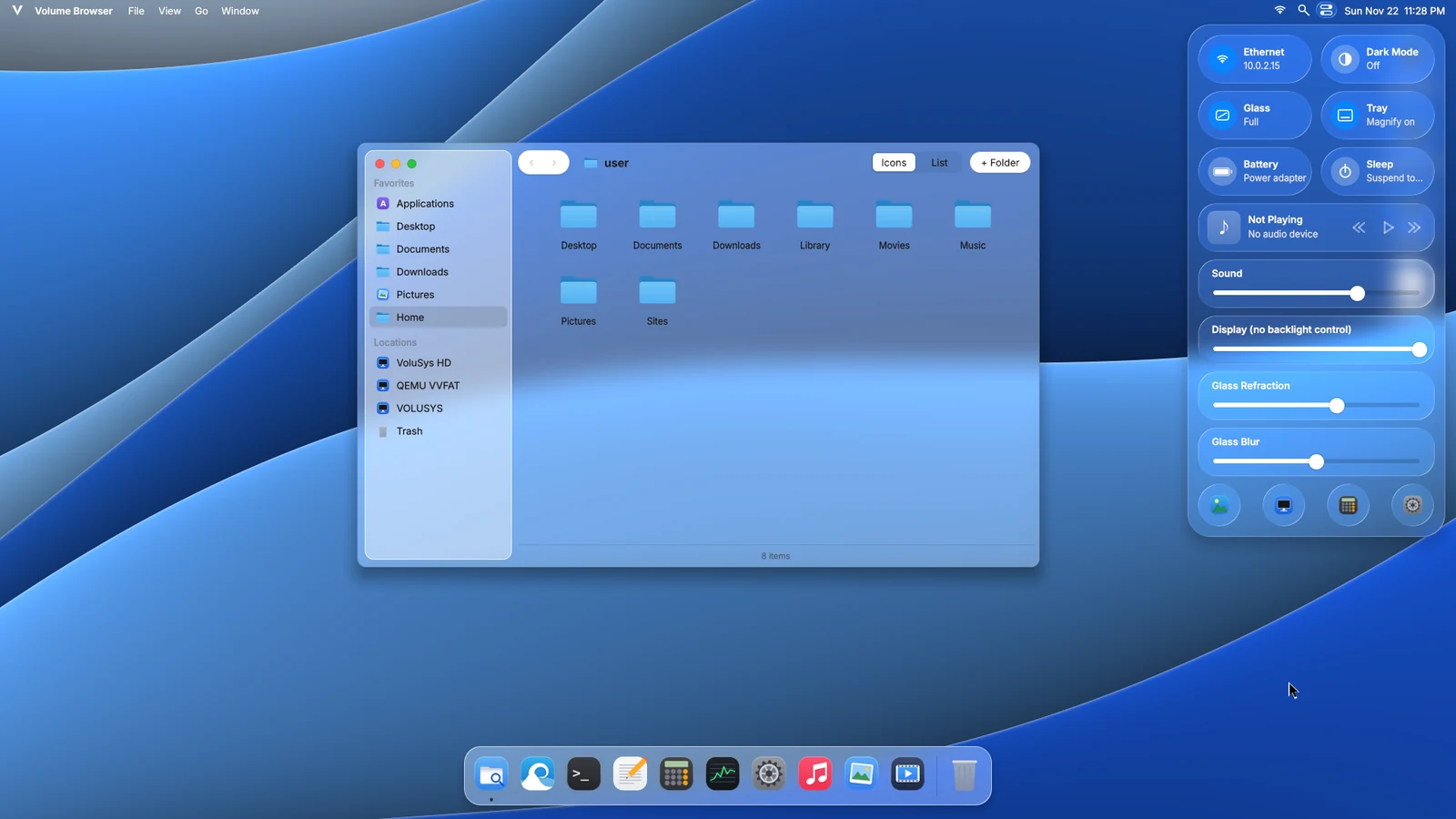
Volume Browser and Helm.
Volume Browser and Helm
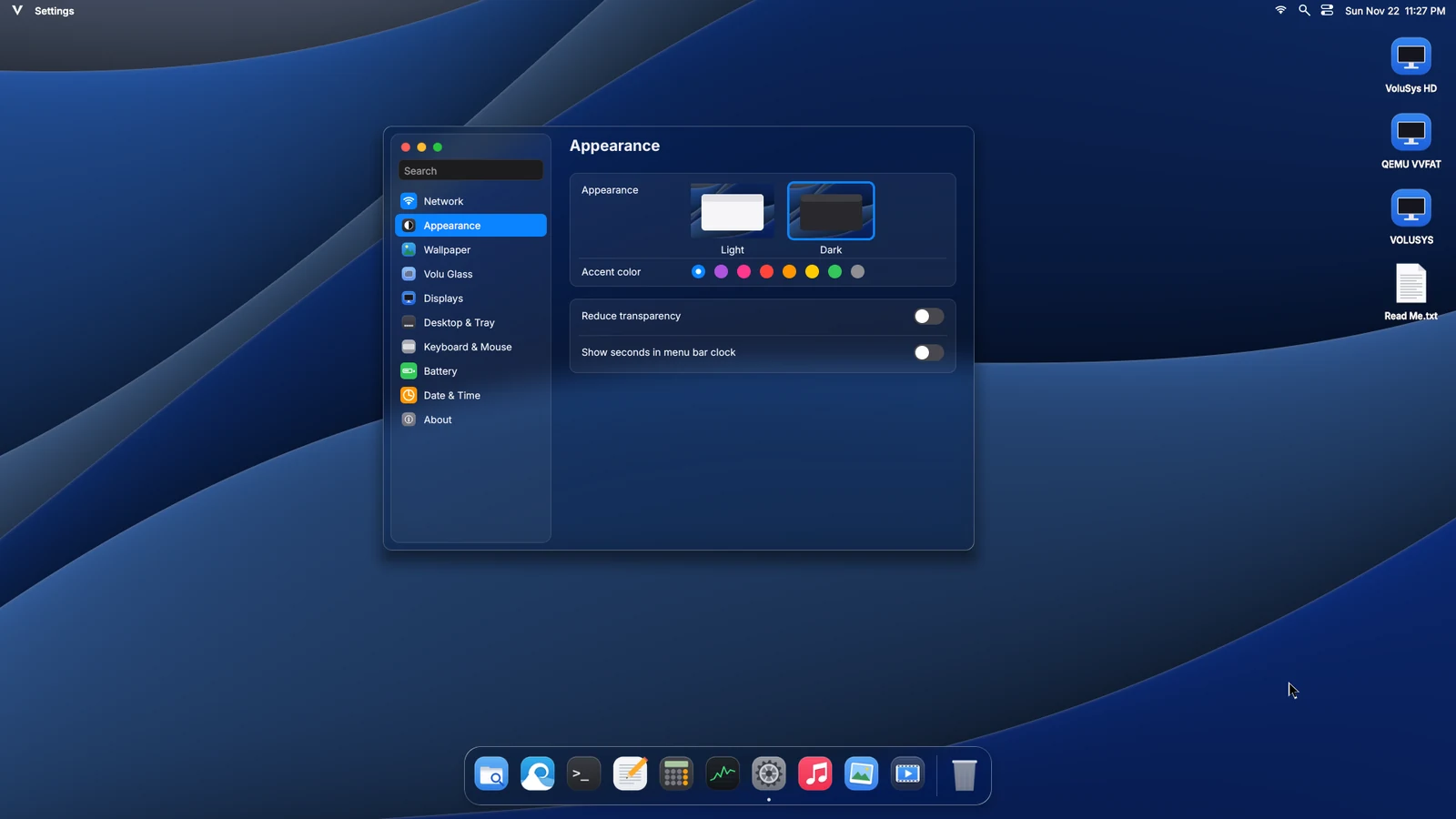
Settings, Appearance pane.
Appearance: light/dark and eight accents
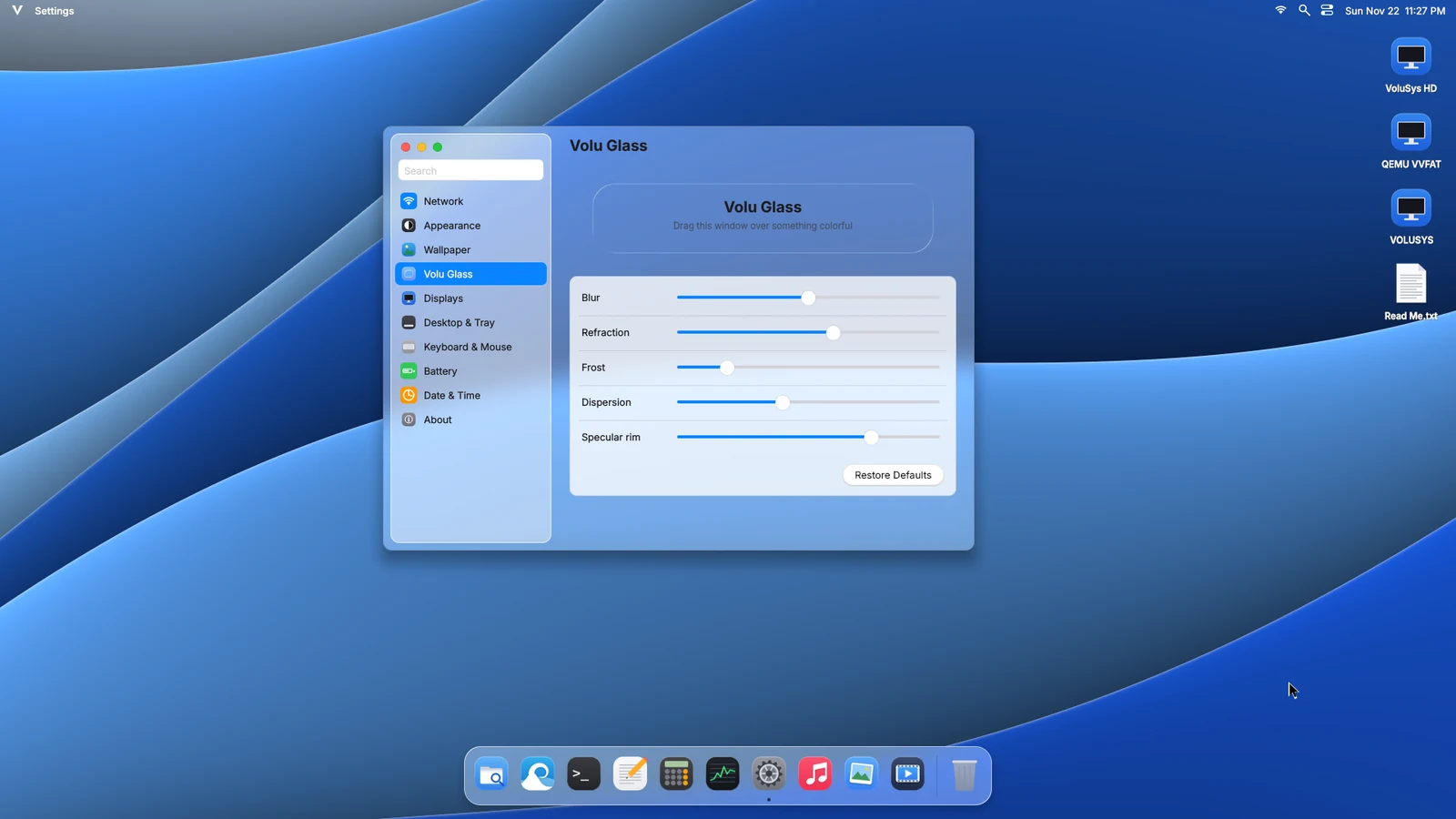
Settings, Glass pane.
Tuning the glass material
Settings in dark mode.
Dark appearance
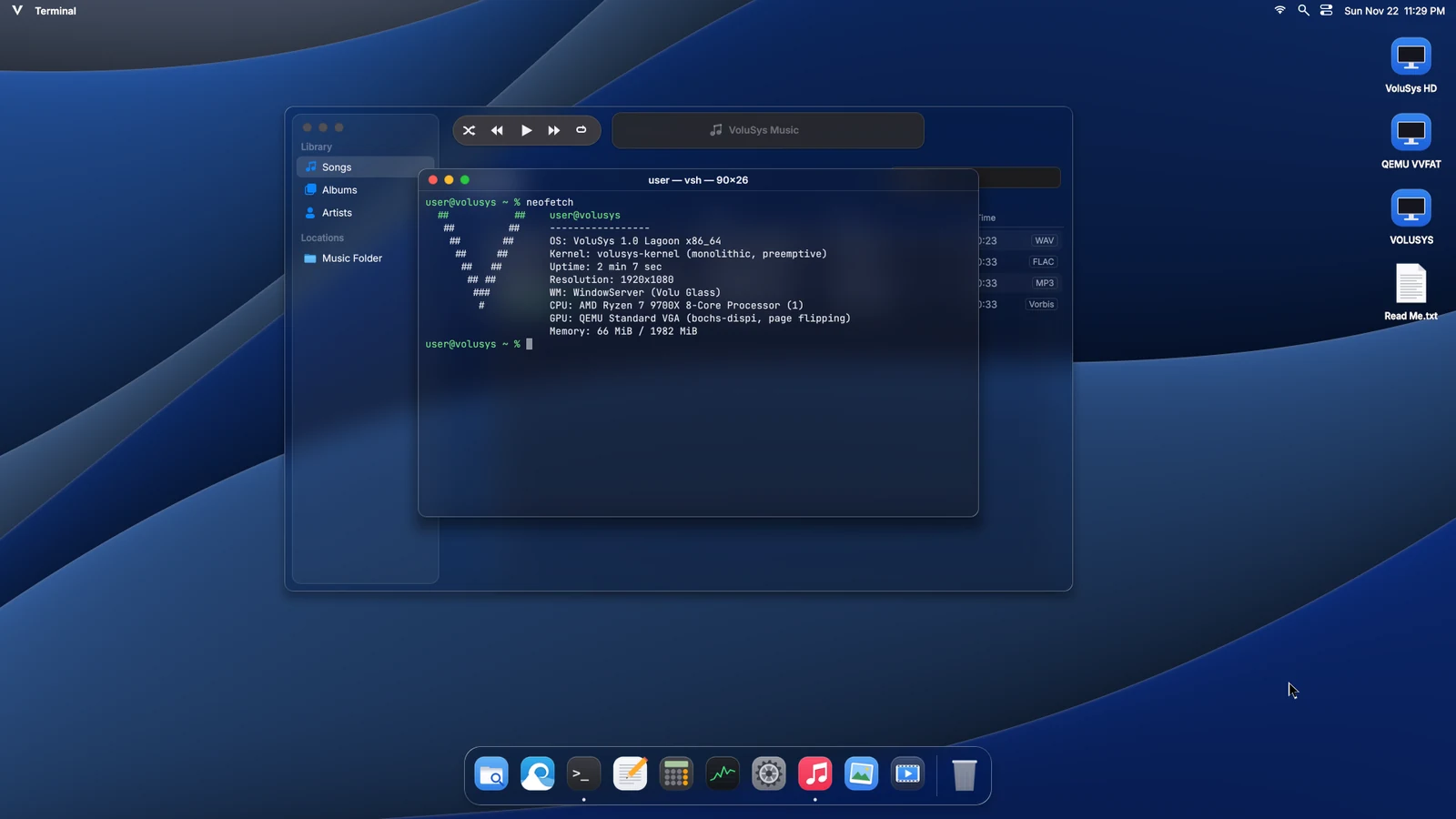
Terminal running neofetch over Music in dark mode.
Terminal and Music, dark
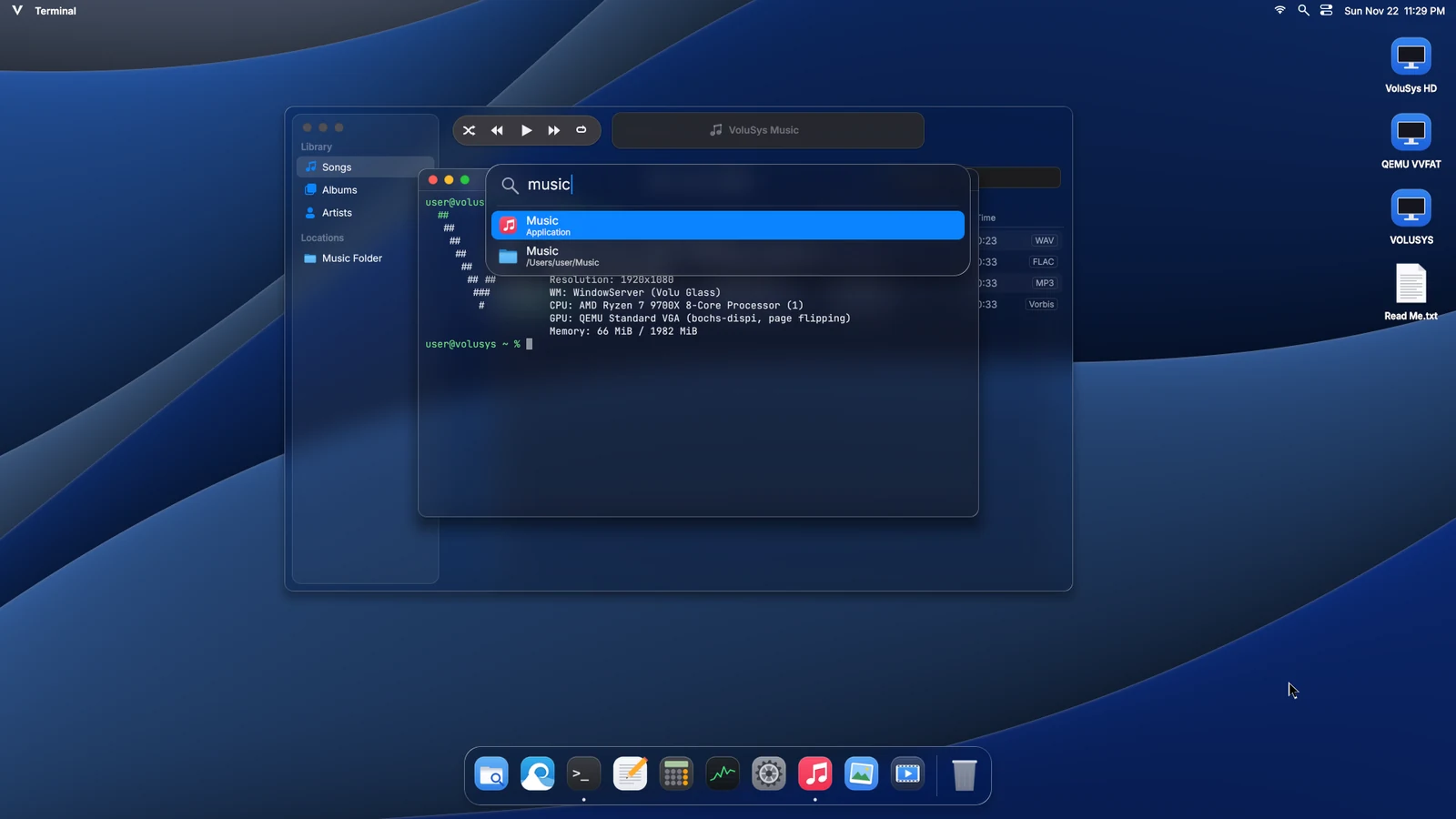
System search.
Lighthouse (⌘ Space)
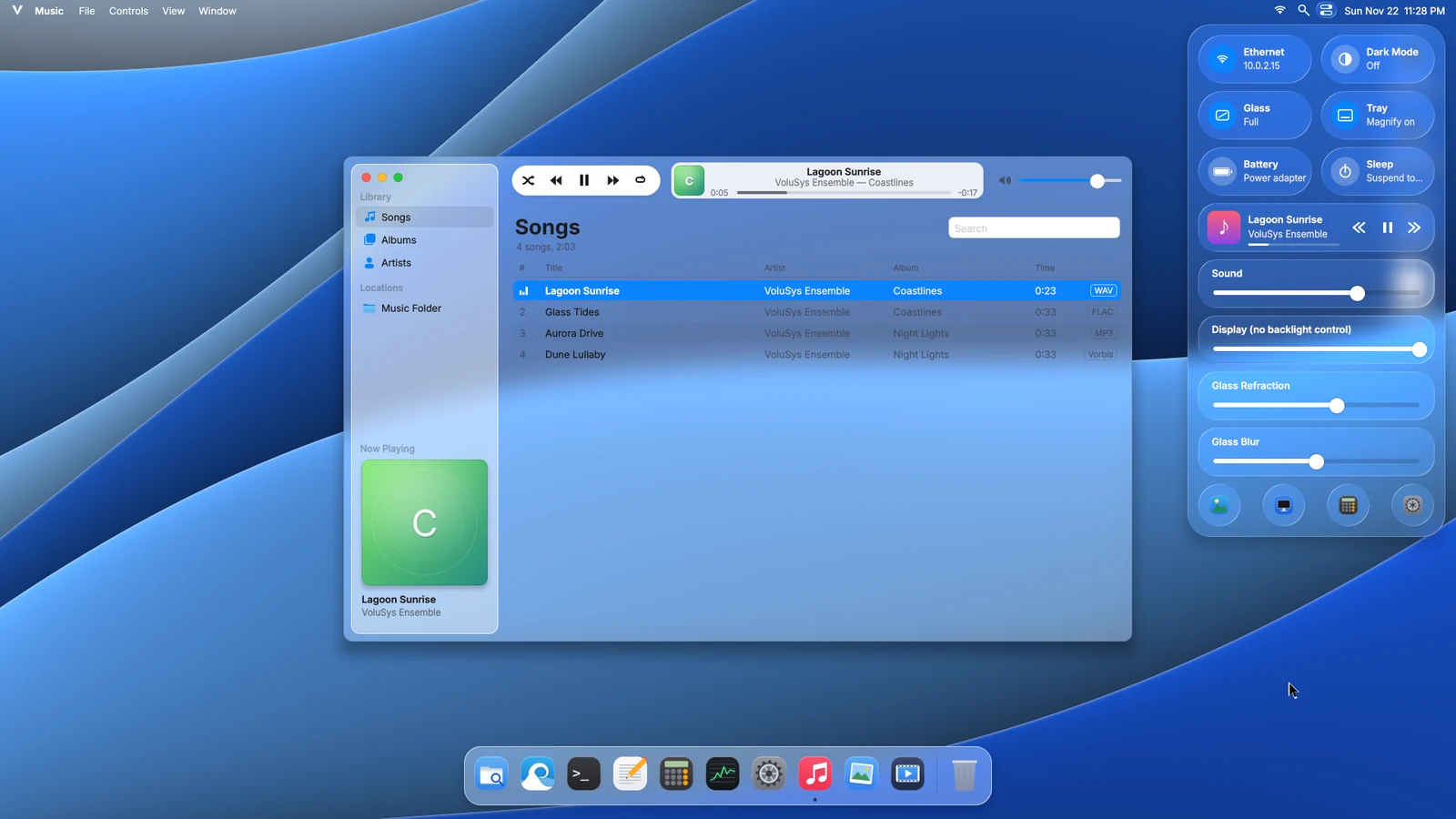
Music app.
Music with Now Playing
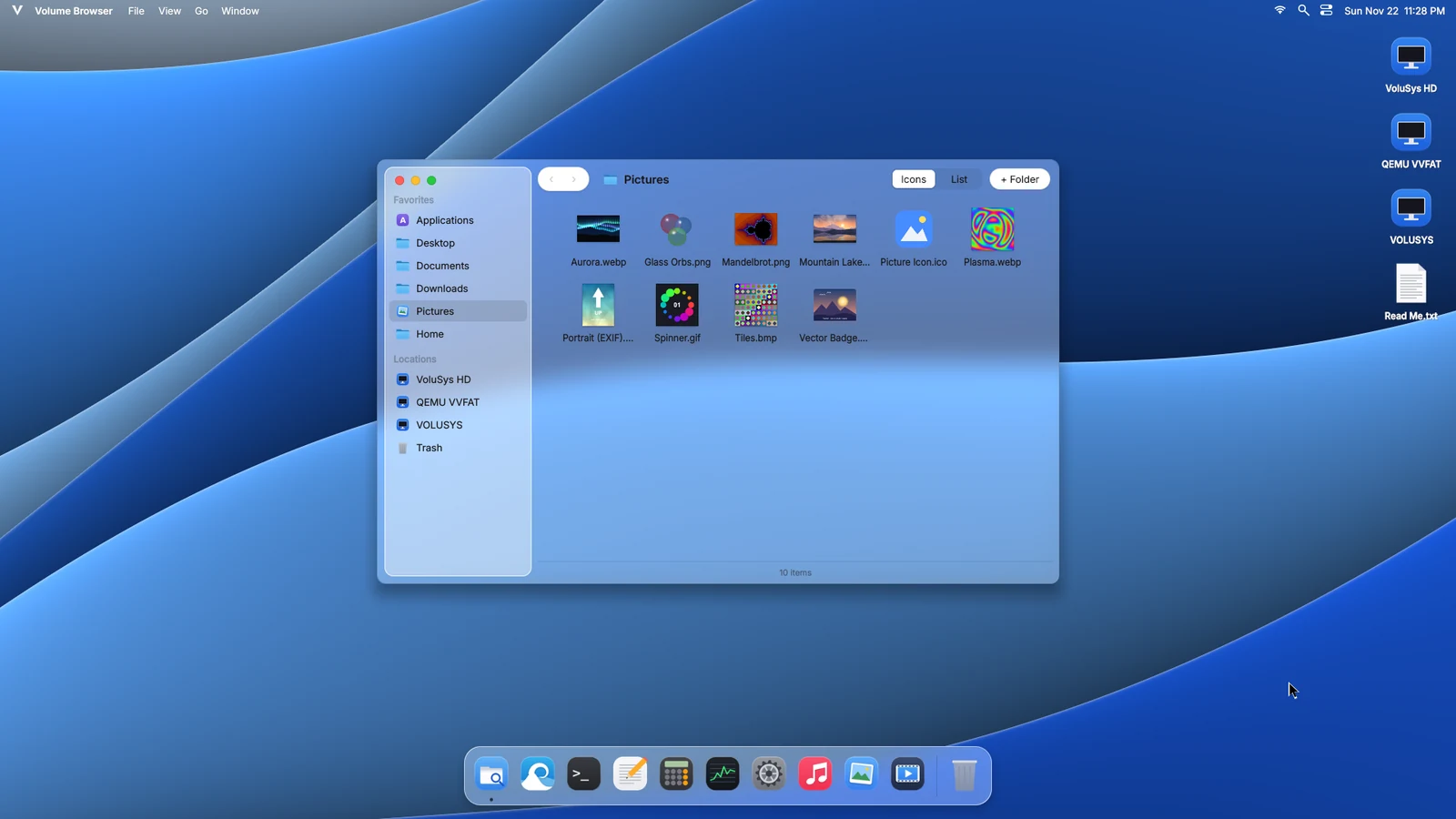
Files showing the Pictures folder.
Thumbnails for every supported image format
Two overlapping glass windows.
Glass windows stacked
Tide showing Wikipedia.
Tide: Wikipedia over TLS 1.3
Tide showing Hacker News.
Tide: Hacker News
Tide showing Google.
Tide: Google with JavaScript
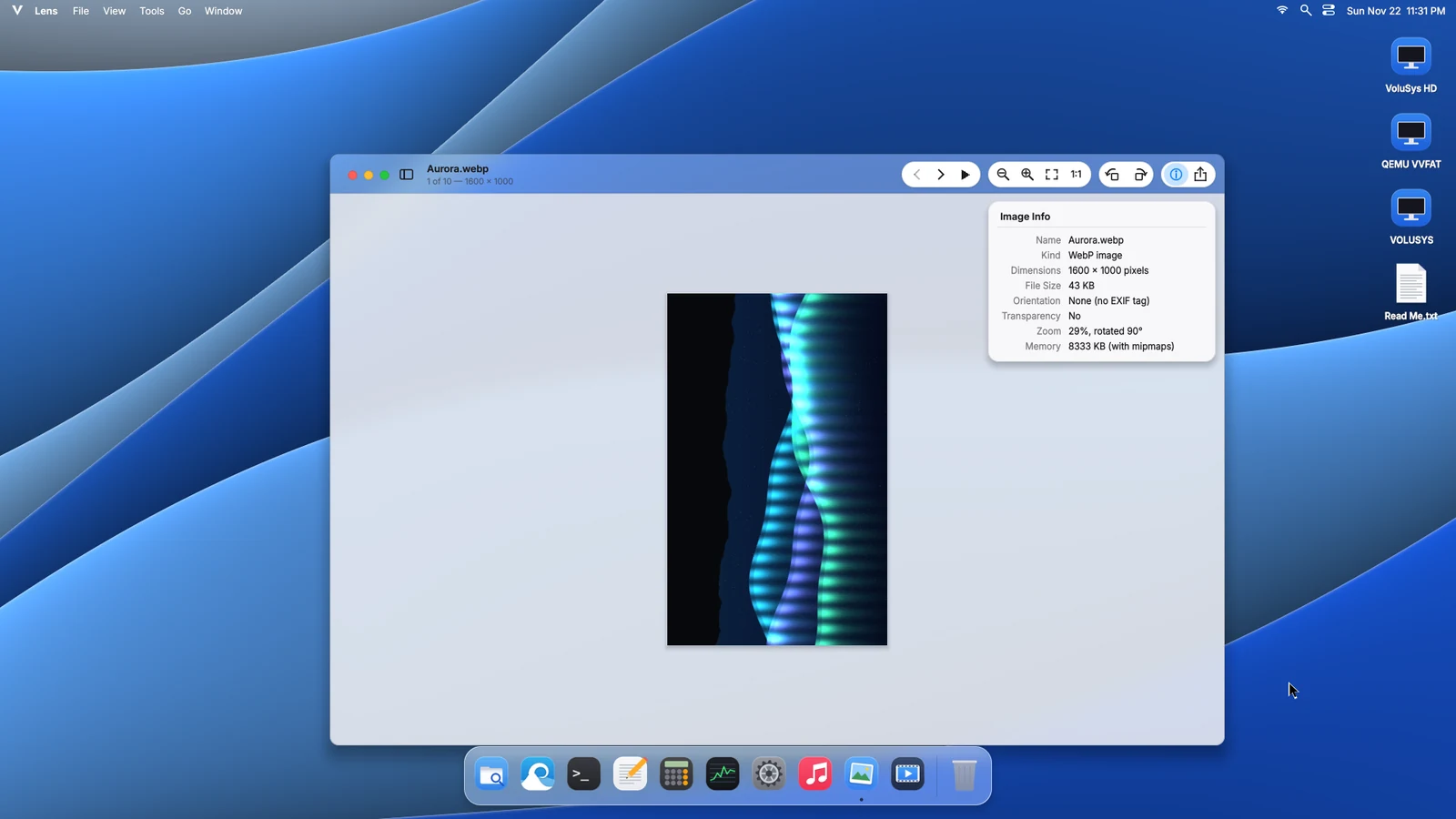
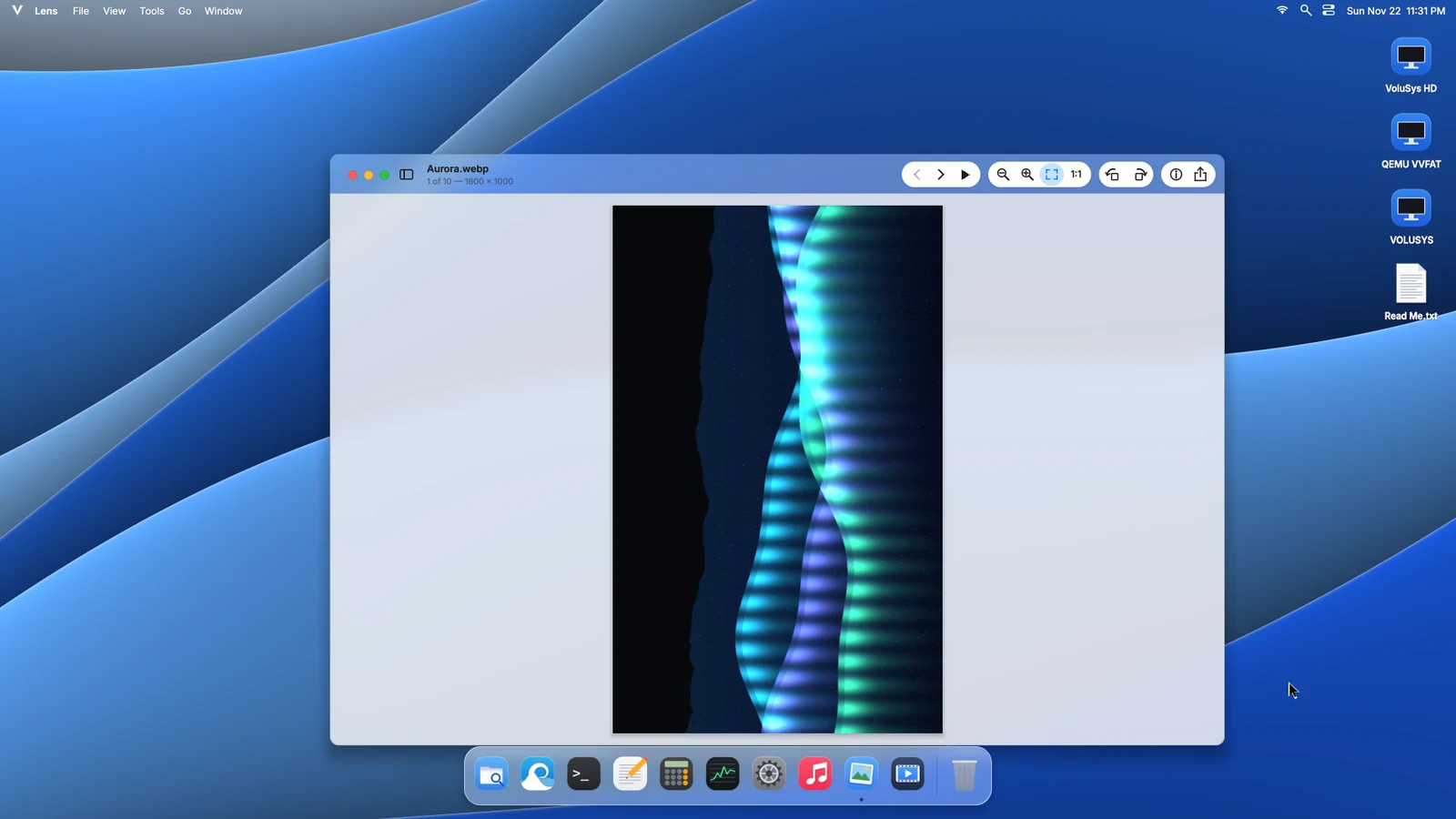
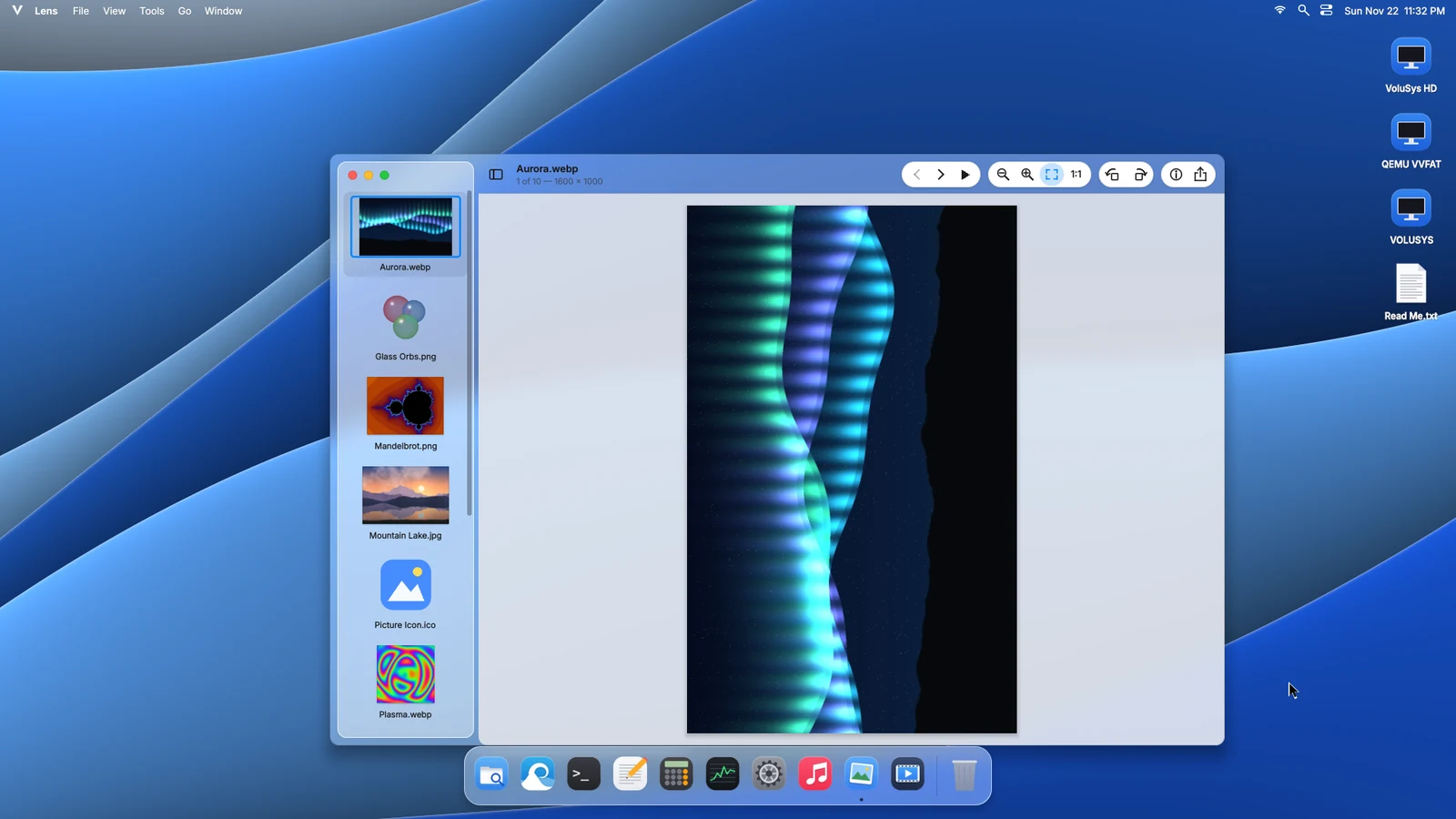
Settings floating over a colourful picture in Lens; the window glass blurs and tints it.
Glass over a colourful picture

Details

Helm.
Helm
curl over TLS in Terminal.
TLS details in curl
Terminal themes.
Terminal in both appearances
App icons.
App icons
The Tray.
The Tray
Lighthouse, the system search.
Lighthouse (⌘ Space)